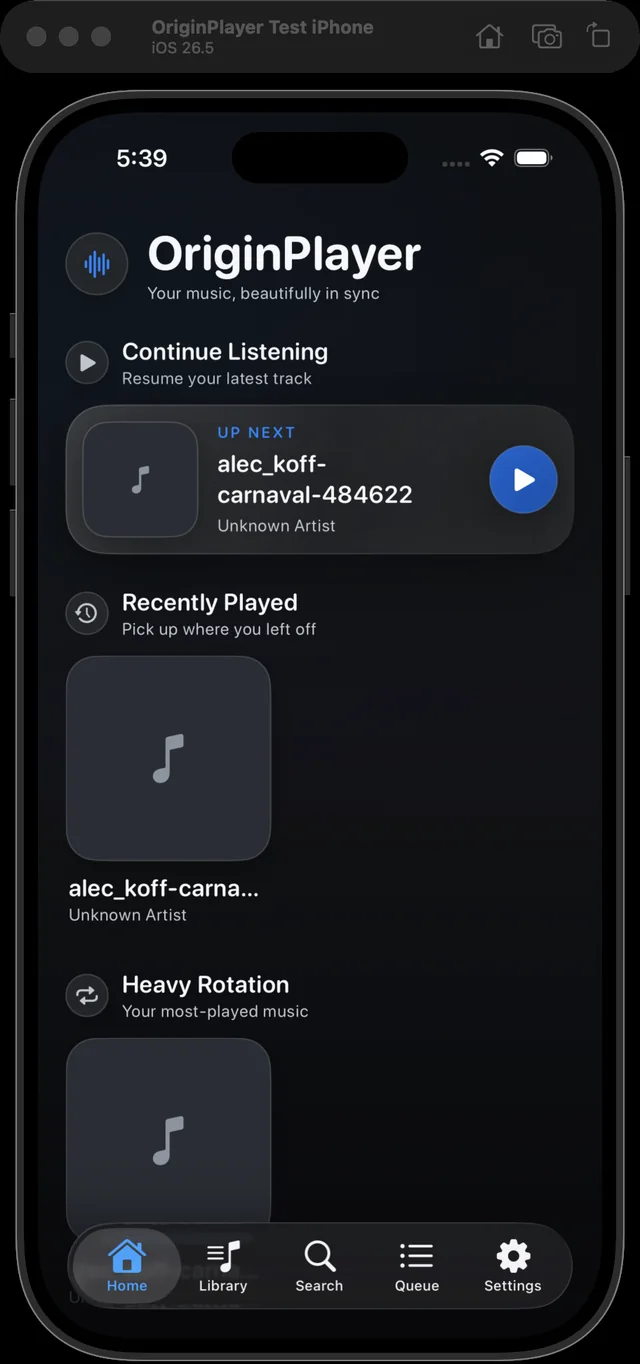
1. Pick only what you mean to share
Choose a window, region, or display. Window mode stays locked to the selected native source.
Product tour
The app records the chosen surface and your narration, remembers the exact time of every mark, and produces a local session folder with both the source media and extracted report.
Choose a window, region, or display. Window mode stays locked to the selected native source.
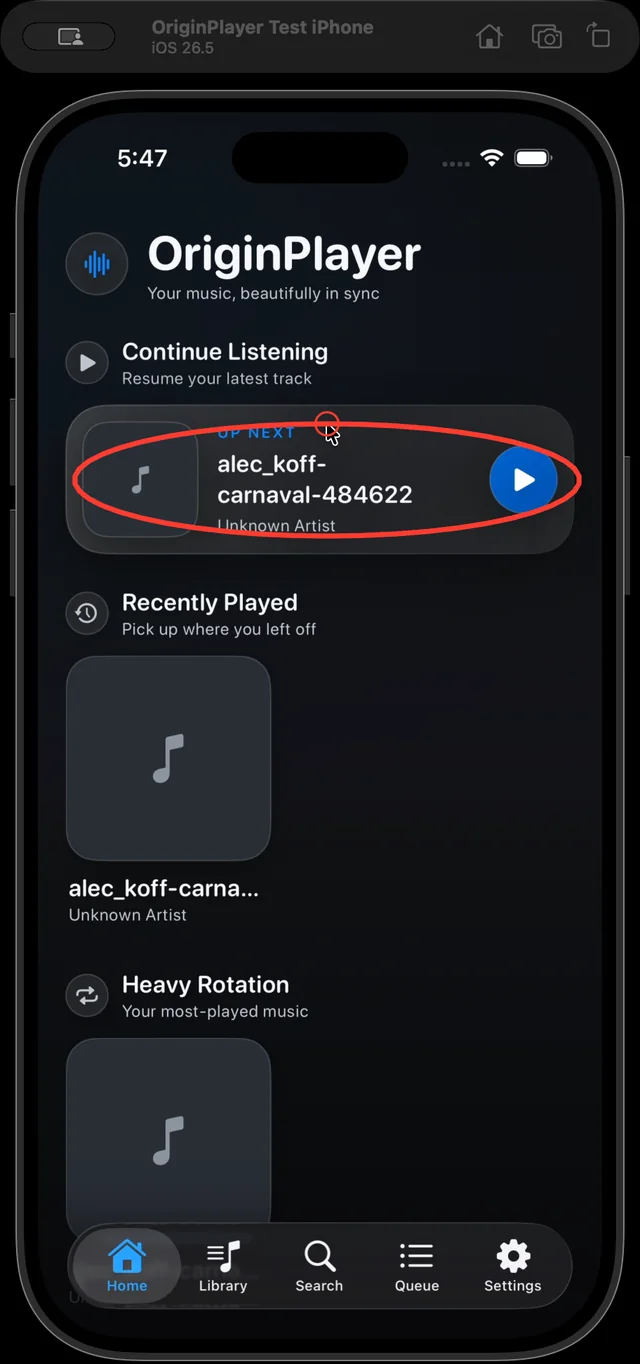
Speak naturally and hold Cmd on macOS or Ctrl on Windows while dragging to create a finding.
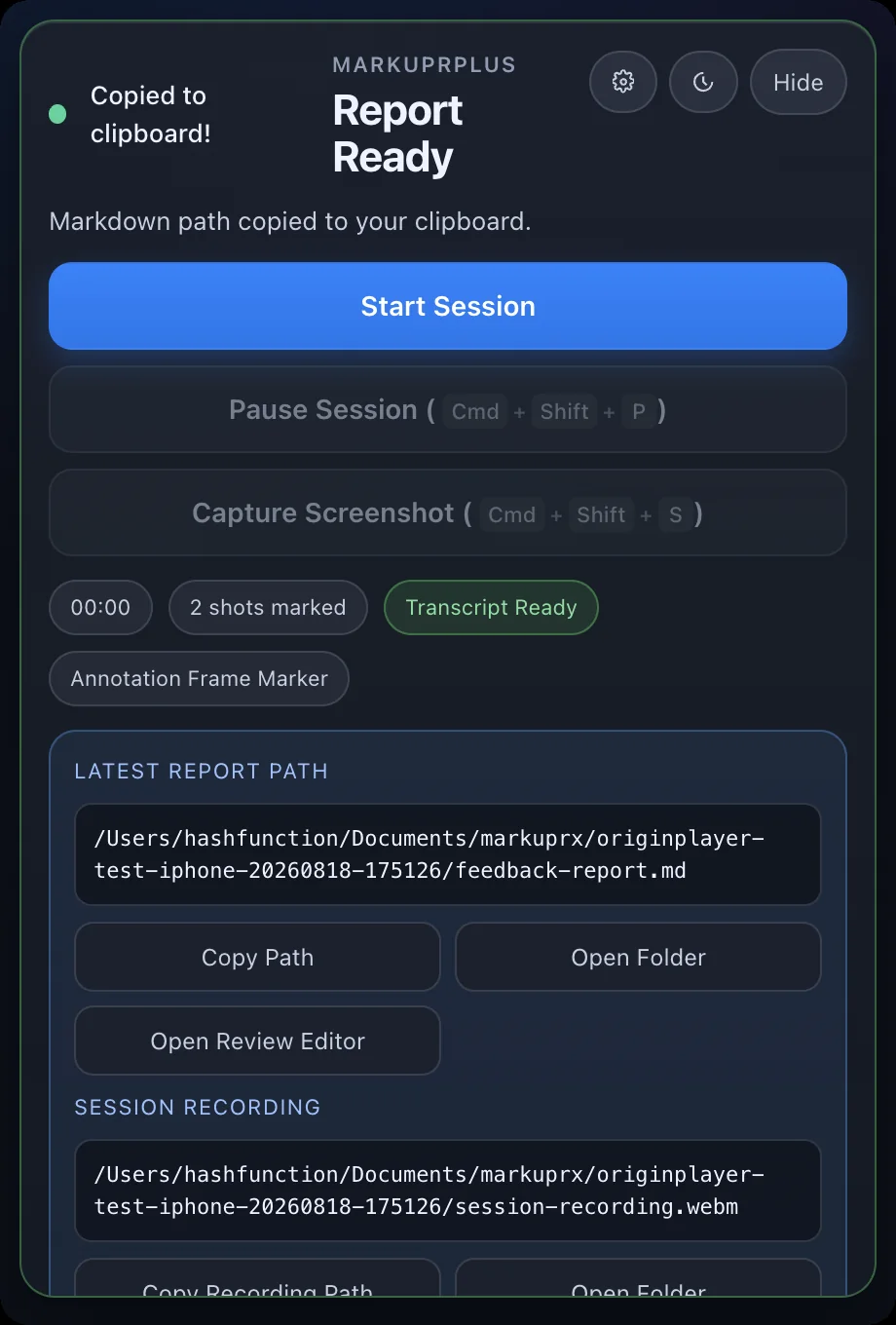
Whisper transcribes, the aligner matches each timestamped mark to nearby words, and the selected provider structures the result.
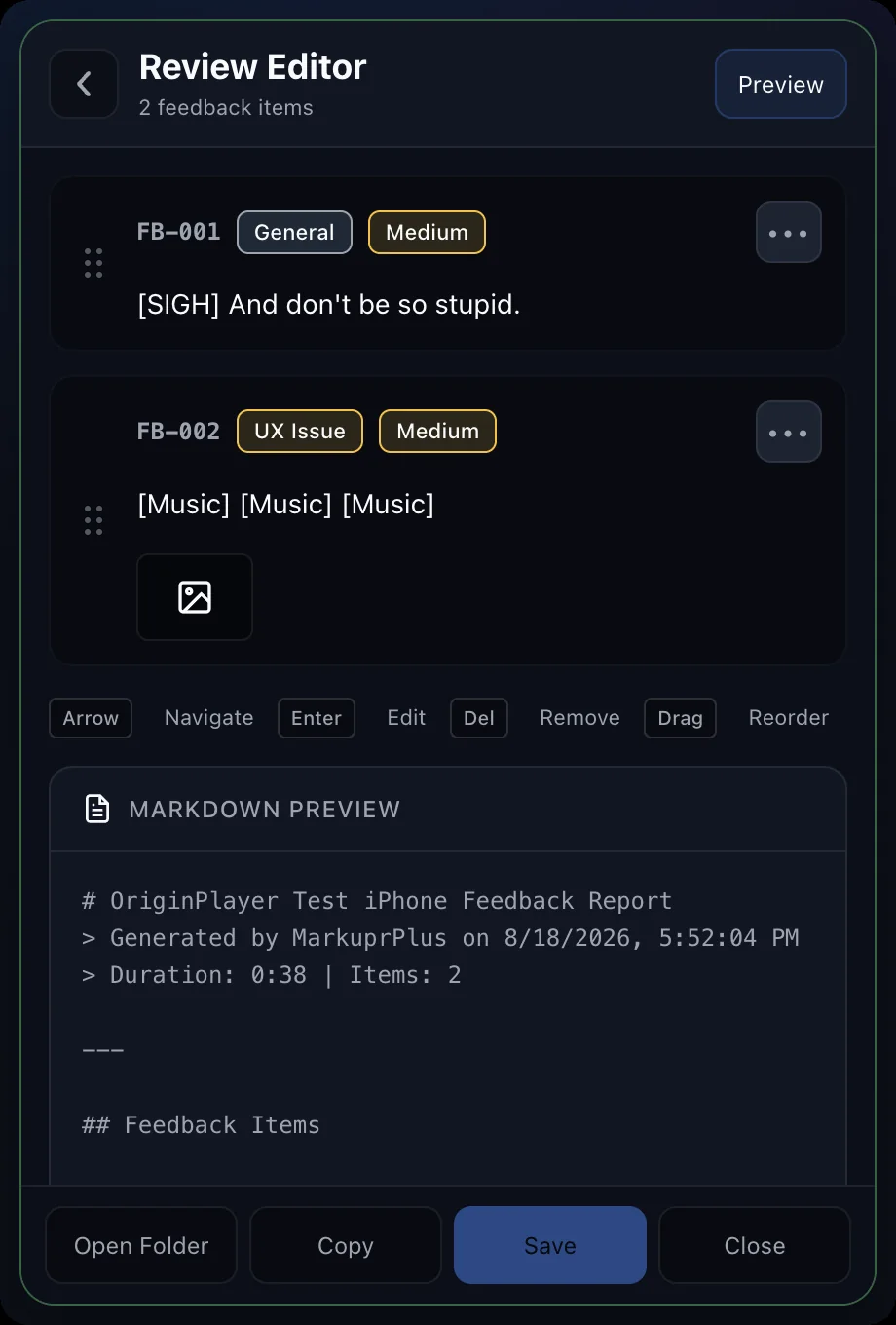
Edit titles and severity if needed, then paste the copied Markdown path into the coding agent or export another format.
Screen + Voice → Whisper → timestamped transcript → Aligner → marks matched to surrounding words → Provider → structure and severity → Generator → Markdown / HTML / JSON / PDF / tracker-ready
With no ffmpeg, MarkuprPlus can still produce transcript-only output. With no Whisper model, timer-based screenshots preserve visual checkpoints. With no provider, Local Rules writes the report deterministically. processing-trace.json records the path actually taken.
originplayer-test-iphone-20260818-104731/
├── feedback-report.md
├── feedback-summary.md
├── metadata.json
├── processing-trace.json
├── screenshots/
│   ├── marked-issue-001.png
│   ├── marked-issue-002.png
│   └── marked-issue-003.png
├── session-recording.webm
└── session-audio.webm| Action | macOS | Windows |
|---|---|---|
| Start or stop recording | Cmd+Shift+F | Ctrl+Shift+F |
| Capture a screenshot | Cmd+Shift+S | Ctrl+Shift+S |
| Pause or resume | Cmd+Shift+P | Ctrl+Shift+P |
| Draw a temporary mark | Hold Cmd and drag | Hold Ctrl and drag |
| Open settings | Cmd+, | Ctrl+, |
| Quit | Cmd+Q | Alt+F4 |